CASE #015: The Great App Swipe
Should you close all your iPhone apps?
The parties are fictional. The evidence is real.
VERIFIED FACTS
Every sentence here links to an official source you can open.
No. Apple says you should close an app only if it's unresponsive. If an app won't respond or seems frozen, you can close it, then open it again.[1]
1 official source: Apple SupportChecked Oct 29, 2026The evidence
Questions people ask
When should you force close an app on iPhone?
DRAMATIZATION
This part is made up for fun. Names, people and events are fictional.
The case
Timeline
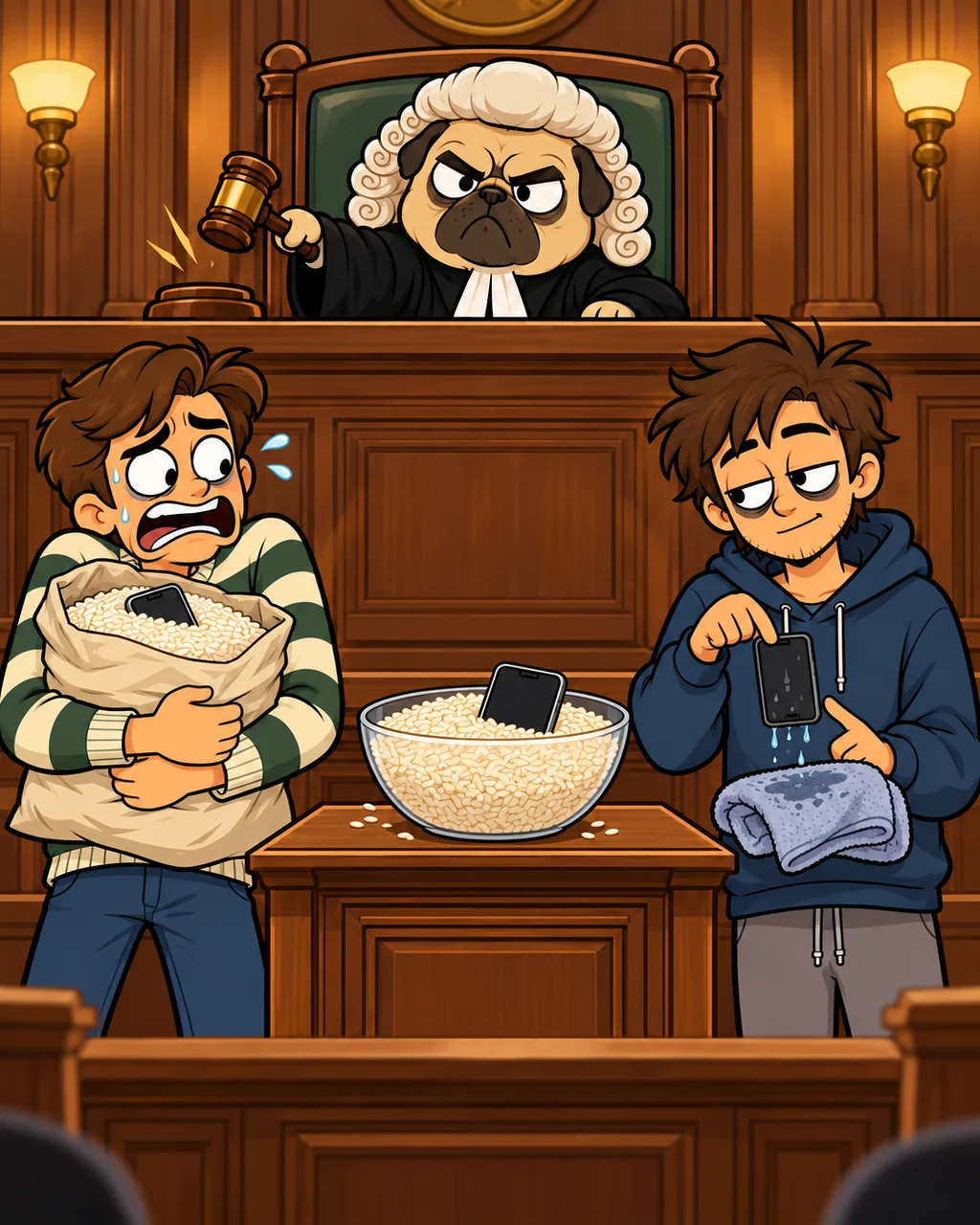
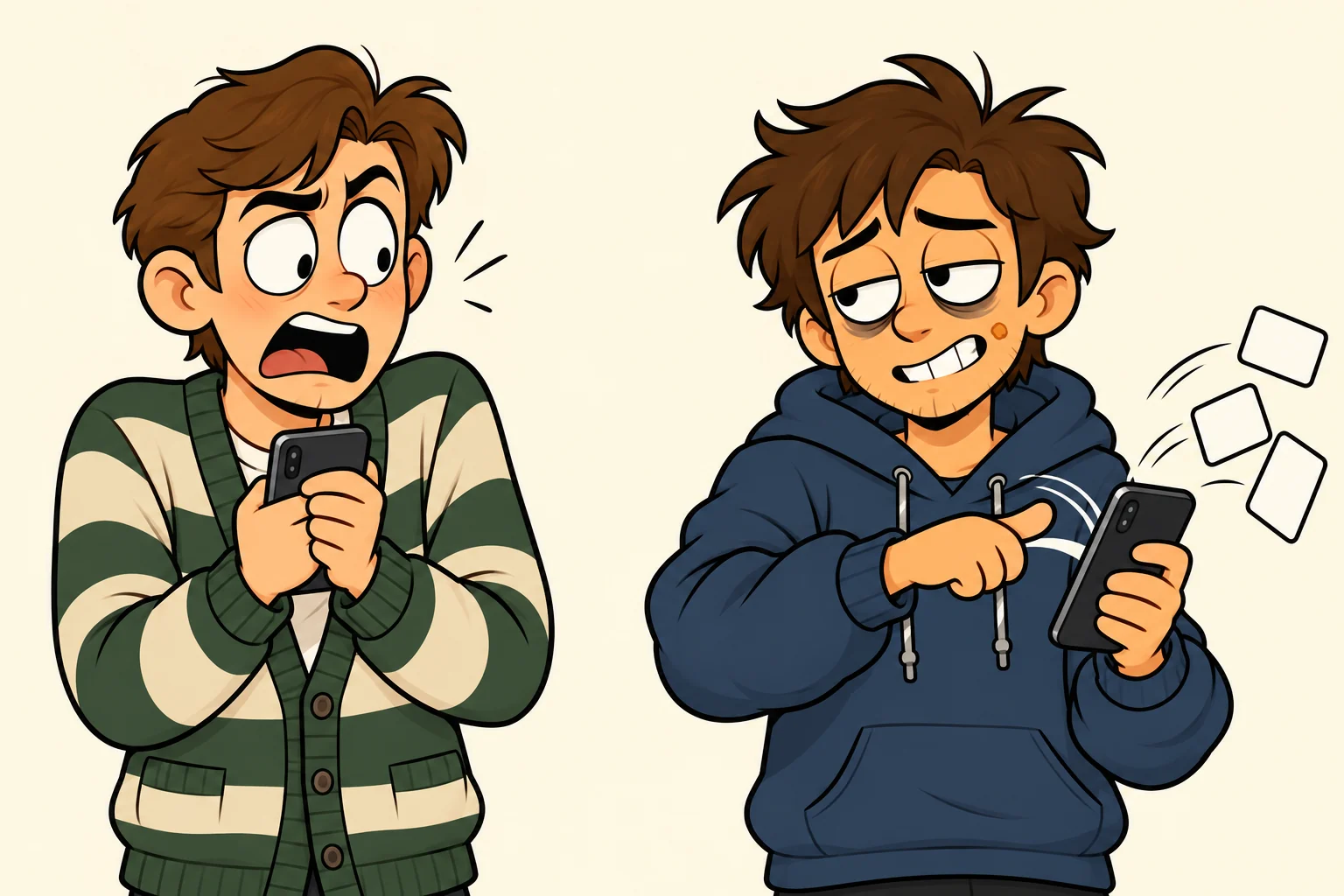
- Sat 2:10 PMThe plaintiff hands over a phone to show a photo.
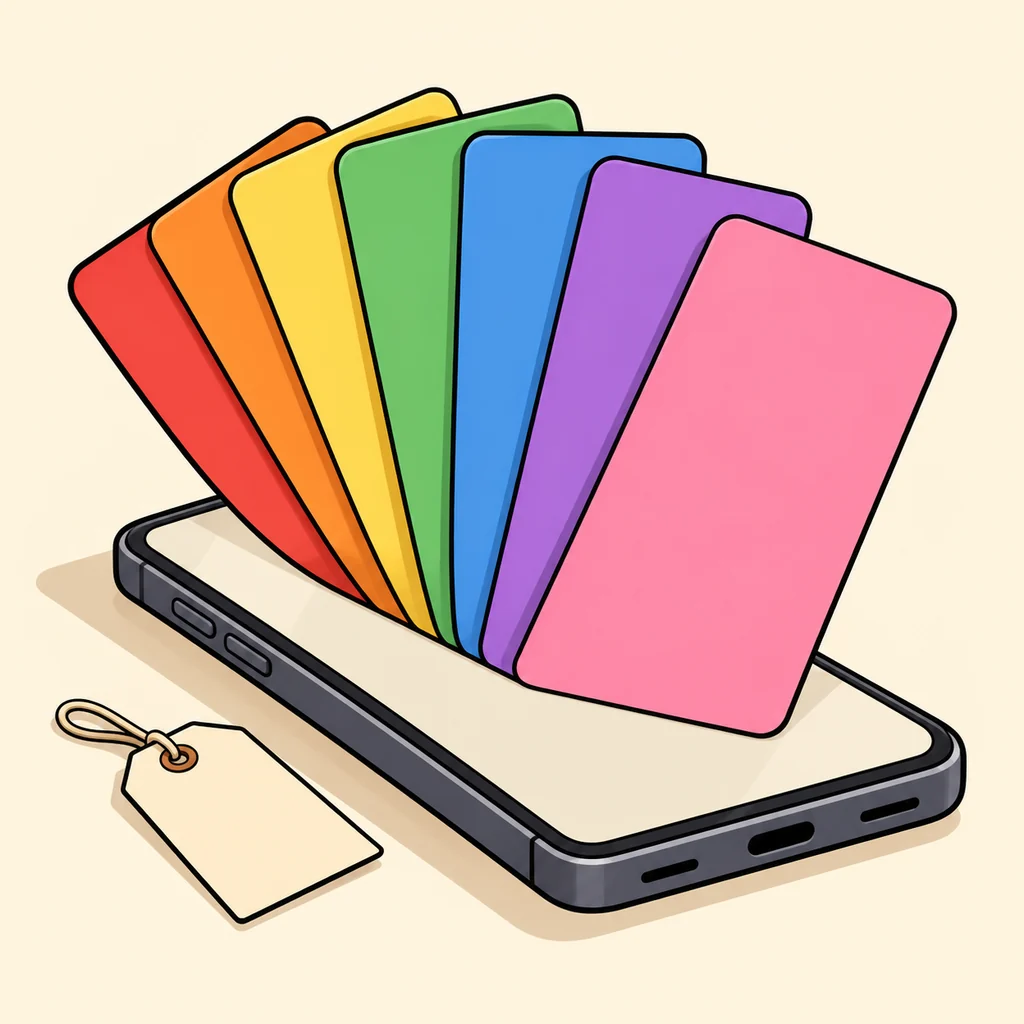
- 2:10 PMThe defendant sees the app switcher. 47 cards. A gasp.
- 2:11 PMSwipe. Swipe. Swipe. Including the half-written message.
- 2:13 PMThe plaintiff gets the phone back and files a complaint.
The claims
Plaintiff: The Friend With 47 Apps OpenThose apps were open for a reason. Some of them since March.
Defendant: The Friend Who Swipes Them AllOpen apps are clutter. Clutter is bad. I helped.
The court's sentence
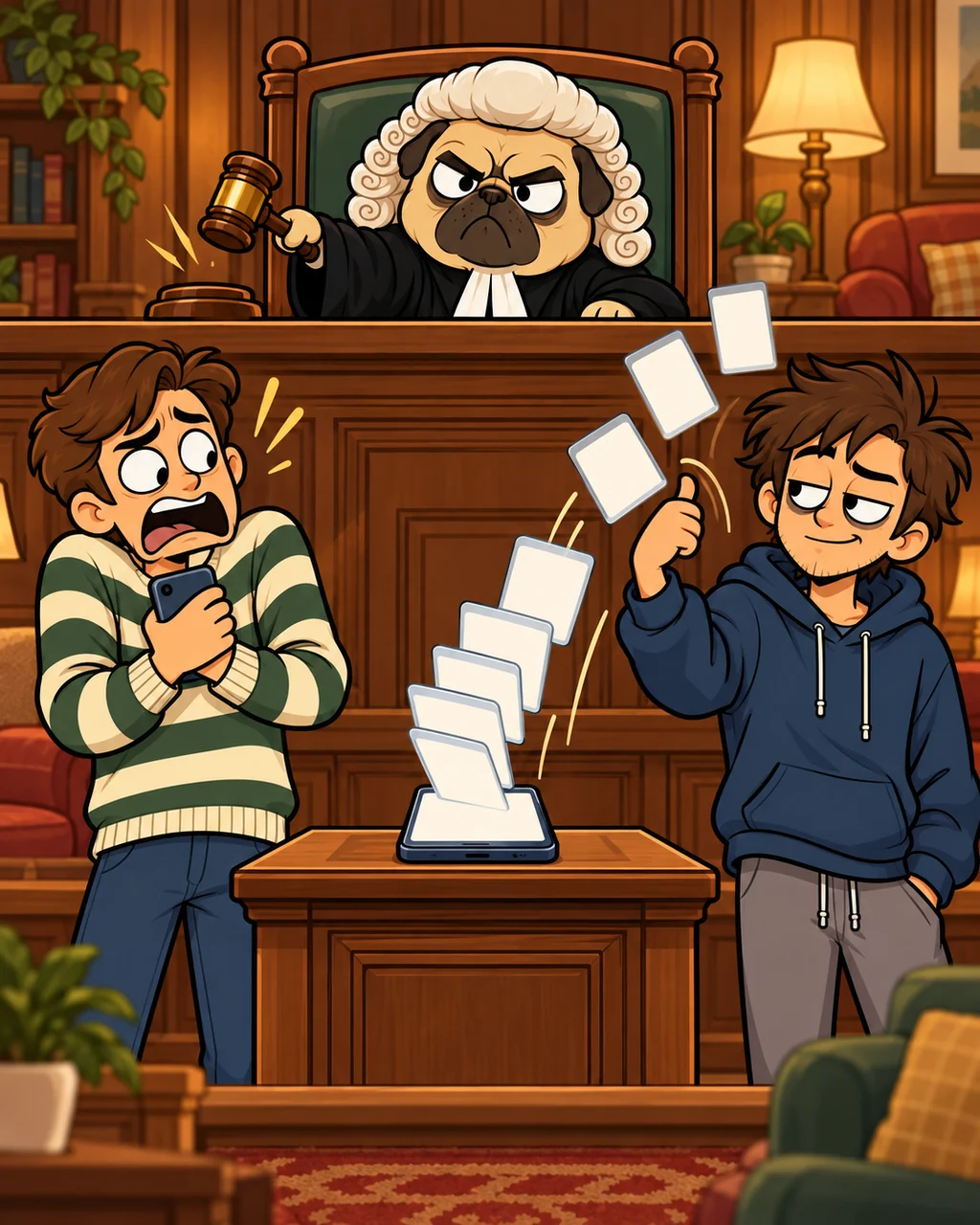
GUILTY OF UNNECESSARY SWIPING.
SentenceThe defendant is sentenced to keep their thumb off the plaintiff's phone for one full week. Apps may be closed only when frozen, and only with the owner present.
Sources
- Source 1
Apple Support
Close an app on your iPhone or iPod touch
support.apple.com/en-us/109359
Published Oct 15, 2026Checked Oct 29, 2026
If an app won't respond or seems frozen, you can close it, then open it again. ... From the Home Screen, swipe up from the bottom and pause in the middle of the screen. Swipe left or right to find the app. Swipe up on the app's preview to close it. ... Double-click the Home button to show recently used apps. ... You should close an app only if it's unresponsive.